First Drafts: Dictating vs Typing
2 min read
Getting a rough first draft down is the one writing task where speaking and typing genuinely compete. Here is an honest look at how dictating with DictDrop stacks up against simply typing at a keyboard, and where each one wins.
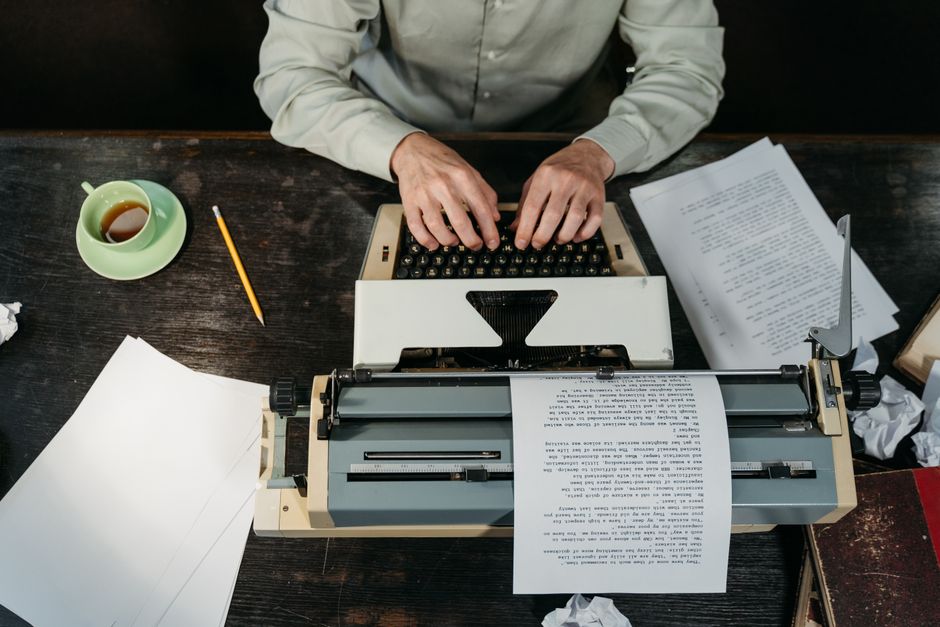
Getting a rough first draft down is the one writing task where speaking and typing genuinely compete. Here is an honest look at how dictating with DictDrop stacks up against simply typing at a keyboard, and where each one wins.
Raw speed to a rough draft
DictDrop: Speaking is usually faster than most people type, and DictDrop is always-on, so there is no hotkey to press or cursor to position before you start talking. The catch is that you need a quiet-enough space and a willingness to talk through half-formed thoughts out loud.
The general approach: Typing needs no setup and works anywhere, including open offices, trains and late nights when others are asleep. Fast typists can match speech for short bursts, but sustained drafting tends to slow down as fingers and attention lag behind your thinking.
Editing effort afterward
DictDrop: Dictated text can come out with misheard words, odd punctuation or run-on sentences, so expect a cleanup pass, especially with unusual names or jargon. DictDrop auto-detects 100+ languages per utterance, which helps if you switch languages mid-draft, but it will not fix rambling structure for you.
The general approach: Typing tends to produce cleaner sentences because you edit as you go, which means fewer mechanical errors to fix later. The trade-off is that constant self-editing can stall momentum and make a first draft feel more precious than it needs to be.
Where each approach fits
DictDrop: Voice shines for brain-dumping an outline, a long email, notes or documentation, and it works in PowerShell, Windows Terminal, CMD and WSL too, flags and symbols included. It is Windows 10 (64-bit, 1903+) and Windows 11 only, and it uses your own AI provider key, so you are managing that account yourself.
The general approach: The keyboard remains the better tool for precise work such as code edits, formulas, tight copy and anything where exact characters matter more than flow. It also has no dependency on a microphone, a network connection or an external account.
DictDrop: always-on voice to text for Windows, for anything you'd otherwise type. $177 once for Standard (one laptop), or $6.99/month for Pro with a free trial. Both use your own free AI provider key. 30-day money-back guarantee, no questions asked.
See pricing and buy