Taking Meeting Notes Without Falling Behind the Conversation
1 min read
You can stay in the conversation and still capture every detail.
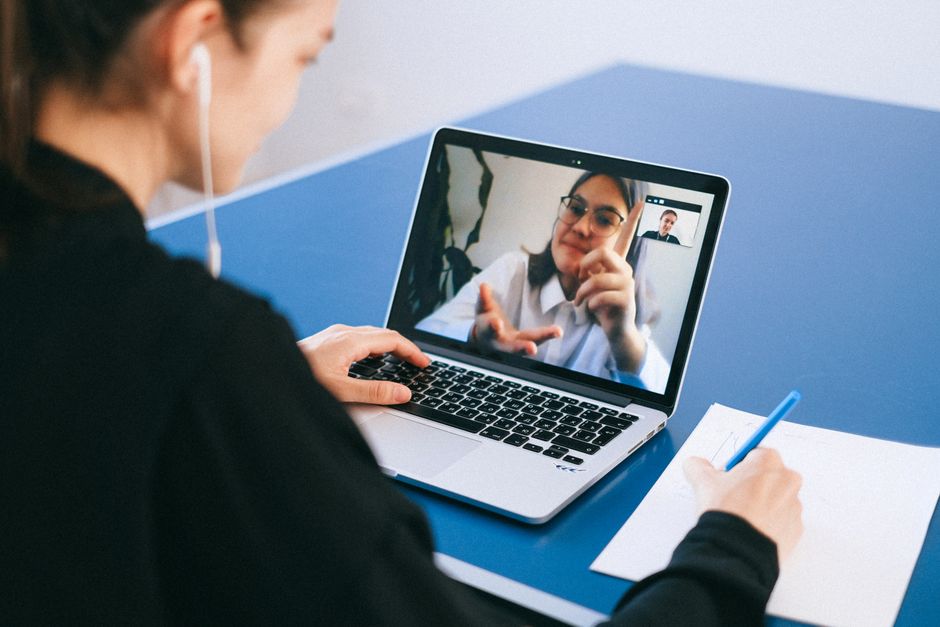
You can stay in the conversation and still capture every detail.
The hidden cost of lagging behind
When you fall behind in a live meeting, you spend precious minutes replaying audio, filling gaps, and re‑reading notes. That catch‑up time adds up, turning a short delay into a noticeable loss of productivity. It also forces you to split your focus between listening and reconstructing the conversation, which can lead to missed nuances.
Why typing during a call never wins
Typing forces you to divert attention from the speaker, reducing comprehension and slowing the flow of ideas. Even fast typists lose a fraction of the discussion, and the mental overhead of switching between listening and writing erodes focus. The result is a compromise where both listening and note‑taking suffer.
Let the conversation flow, let DictDrop transcribe
DictDrop removes the trade‑off by providing always‑on voice‑to‑text on Windows, with no hotkey, no held key, and no need to position a cursor before you speak. It works on Windows 10 64‑bit 1903+ and Windows 11, auto‑detects over 100 languages per utterance, and even captures terminal sessions with symbols and flags. With a simple one‑time purchase or a subscription option, you get a self‑contained installer, 30‑day refund, and the confidence that every word is recorded without slowing the conversation.
DictDrop: always-on voice to text for Windows, for anything you'd otherwise type. $69 once for the bring-your-own-key Standard edition, or $6.99/month for Pro. 30-day money-back guarantee, no questions asked.
See pricing and buy