7 Everyday Signs You're Typing More Than You Need To
1 min read
If you find yourself staring at a keyboard more than the task itself, you’re probably typing more than you need to. Here are seven everyday moments where speech can speed things up.
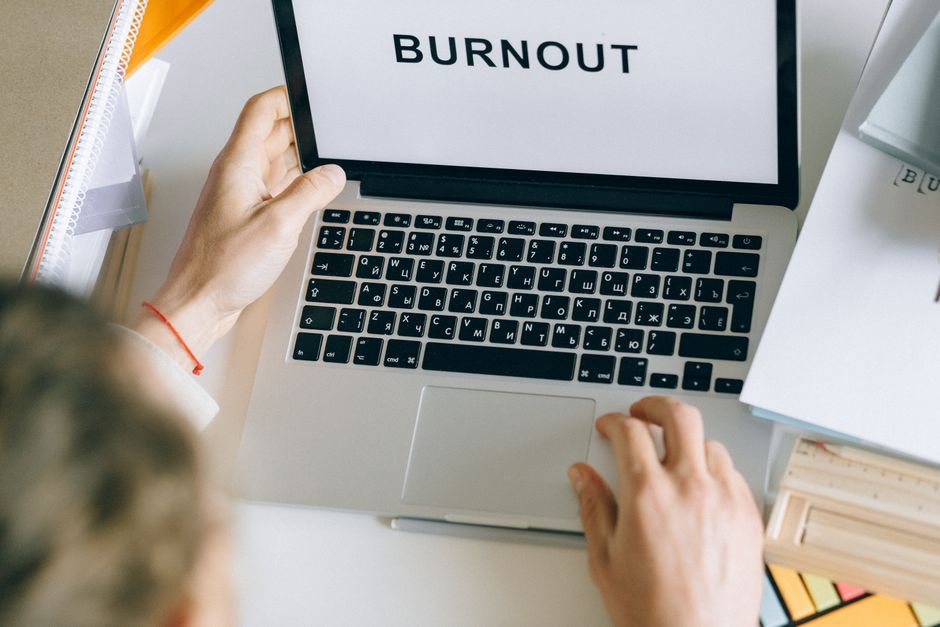
If you find yourself staring at a keyboard more than the task itself, you’re probably typing more than you need to. Here are seven everyday moments where speech can speed things up.
1. Long Email Replies
Drafting detailed responses can turn into a marathon of keystrokes. DictDrop lets you dictate the whole message without pausing for punctuation, cutting the time in half.
2. Repetitive Form Fields
Filling out the same information across multiple forms feels like a copy‑paste loop. Speak the data once and let the always‑on voice‑to‑text engine fill each field for you.
3. Chat Backlogs
Catching up on a crowded chat thread often means typing out long clarifications. With DictDrop, you can speak your thoughts directly into the conversation, keeping the flow natural.
4. Brainstorming Docs
When ideas pour out faster than you can type, you lose momentum. DictDrop captures your spoken brainstorm in real time, so you never miss a spark.
5. Code Snippets in the Terminal
Even short command lines become tedious after a while. DictDrop’s terminal support lets you dictate PowerShell, CMD, or WSL commands, symbols and flags included.
6. Meeting Minutes
Transcribing notes after a meeting adds an extra step. Keep DictDrop active during the call and let it generate accurate minutes on the fly.
7. Multilingual Quick Replies
Switching languages mid‑conversation can stall typing. DictDrop auto‑detects over a hundred languages per utterance, so you can reply instantly in any tongue.
DictDrop: always-on voice to text for Windows, for anything you'd otherwise type. $89 once for the bring-your-own-key Standard edition, or $6.99/month for Pro. 30-day money-back guarantee, no questions asked.
See pricing and buy